


Accommodation Certificate
I. Application Portal
1.PC: Visit https://sa.bnbu.edu.cn/, log in to the Student Affairs System with your email account and password, and submit the authorization letter as prompted.
2.Mobile (WeCom): Go to Workspace → Student Affairs System
II.Process:Application for supporting Documentation→Add→Accommodation Certificate→Submit→View→Download Documents
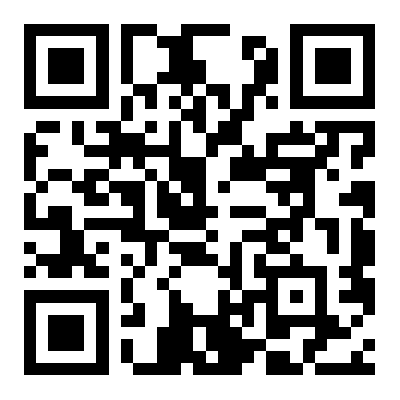
III. Specific Operation Process: Please scan the QR code below for details.
Last updated:October 4, 2026
Student Affairs Office


Layout
Choose the layout you like?
- Wide
- Narrow
Color
Choose the color you like?
Background
Choose the background you like?
Background
Choose the background picture you like?


